
Sales module guide

9 Printing and export

Invoice printing uses the company print template set under Administration → Company. That template is the same for every salesperson; it is not a per-user setting.

Invoice printing uses the company print template set under Administration → Company. That template is the same for every salesperson; it is not a per-user setting.

  • The print window opens on the same page; the system does not send you to a new browser tab.
  • You can export the invoice to Excel or PDF.
  • Ready-made templates 1 to 5 and custom templates are available in the invoice designer.
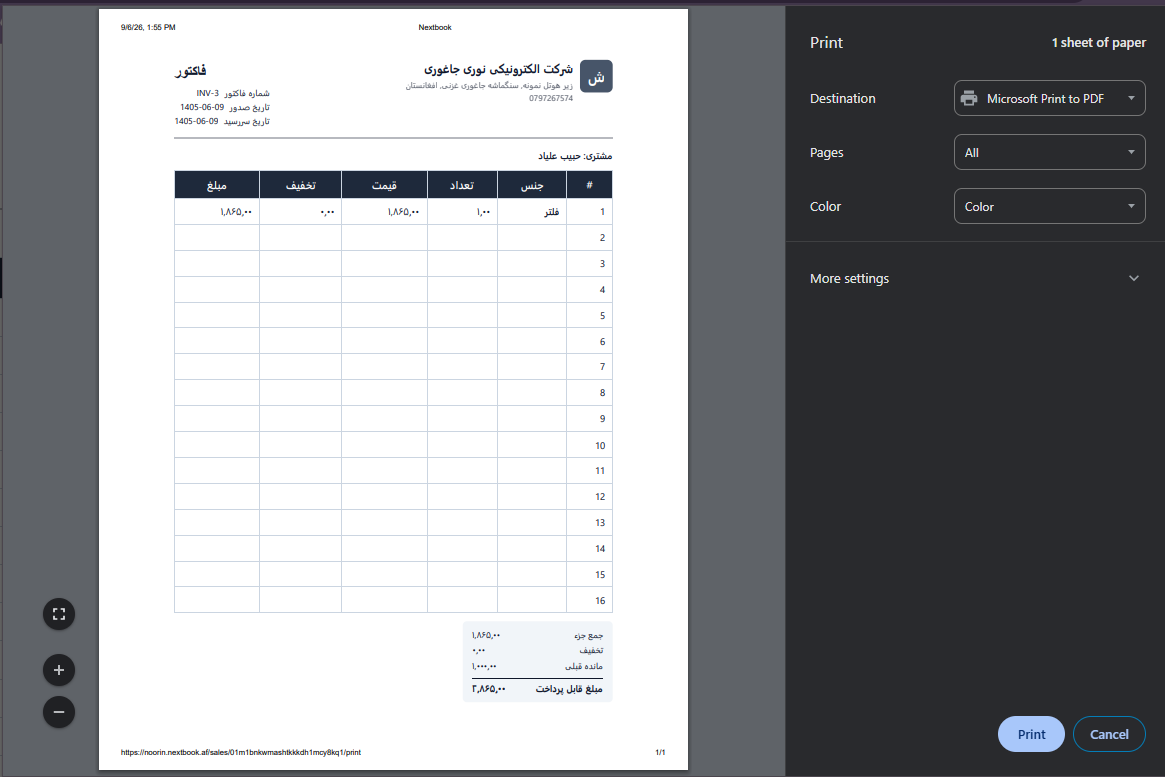
Sales invoice print preview with the company template
Was this article helpful?

Still need help?

Our support team is ready to help.

Contact
↑ ↓ move Enter open Esc close