
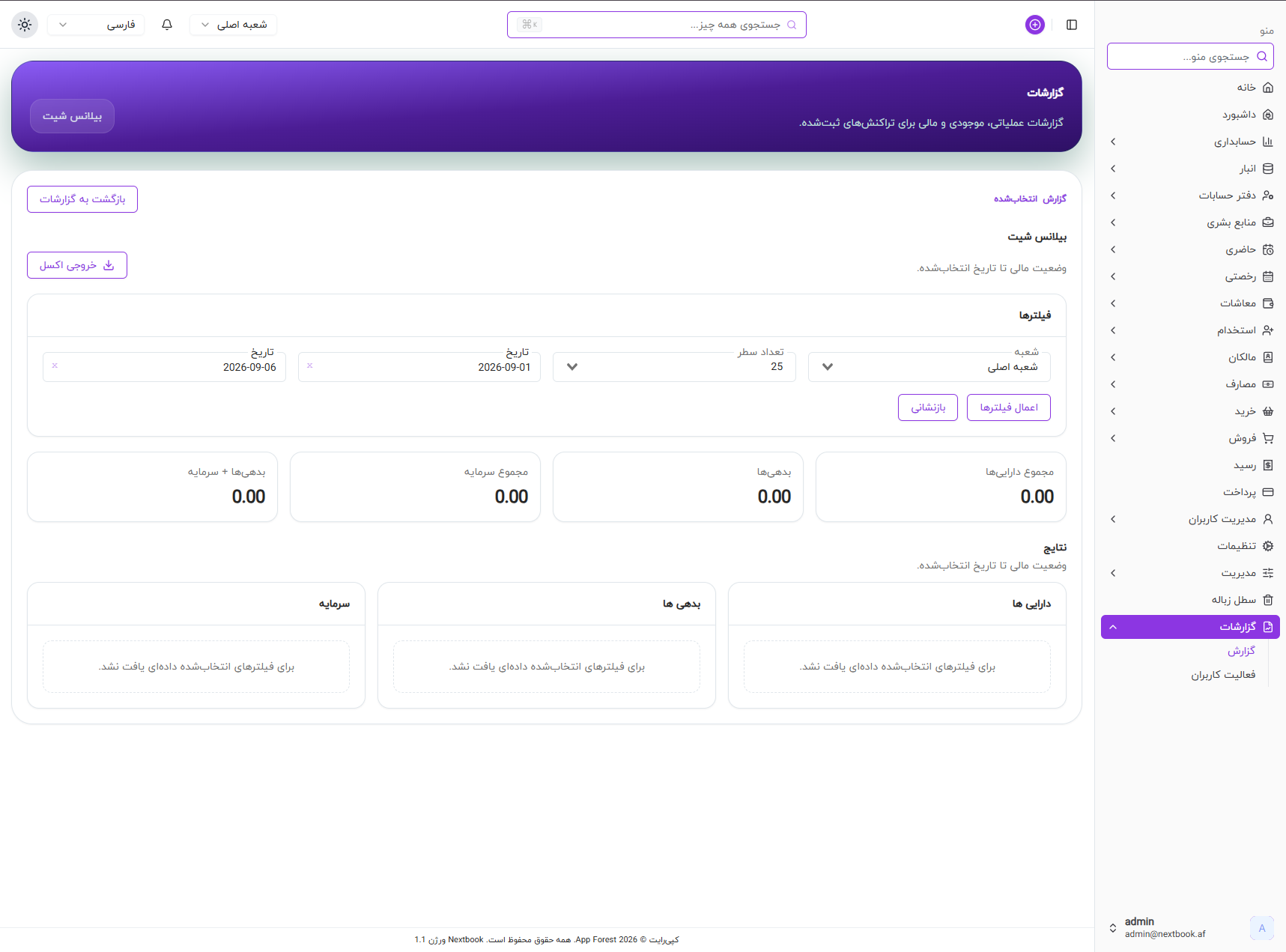
All reports share the same structure: a filter panel at the top and a result table below.
| Part | Use |
|---|---|
| Date range | Most reports have a "from date" and "to date". Position reports (like the balance sheet) have one "as of date". |
| Extra filters | Branch, warehouse, party, category, employee, and so on — depending on the report. |
| Run | After setting the filters, run the report to get the result table. |
| Export | The export button gives you the current table as Excel or PDF — exactly what you see on screen. |
Posted documents only Reports show posted documents only. If a document is missing from a report, it is probably still a draft.