| Field | Description |
|---|
| Number | The system assigns it. |
| Date | The day the expense occurred. |
| Expense category | Determines the expense account. |
| Paying account | The cash/bank account the money leaves from, or the ledger of a party the expense is payable to. |
| Amount | The expense amount. |
| Notes | The expense description for audit. |
| Attachment | A scan or photo of the paper bill / receipt. |
- Expenses → New expense.
- Pick the category and date.
- Enter the paying account and amount.
- Attach the paper bill.
- “Save draft” or “Post”.
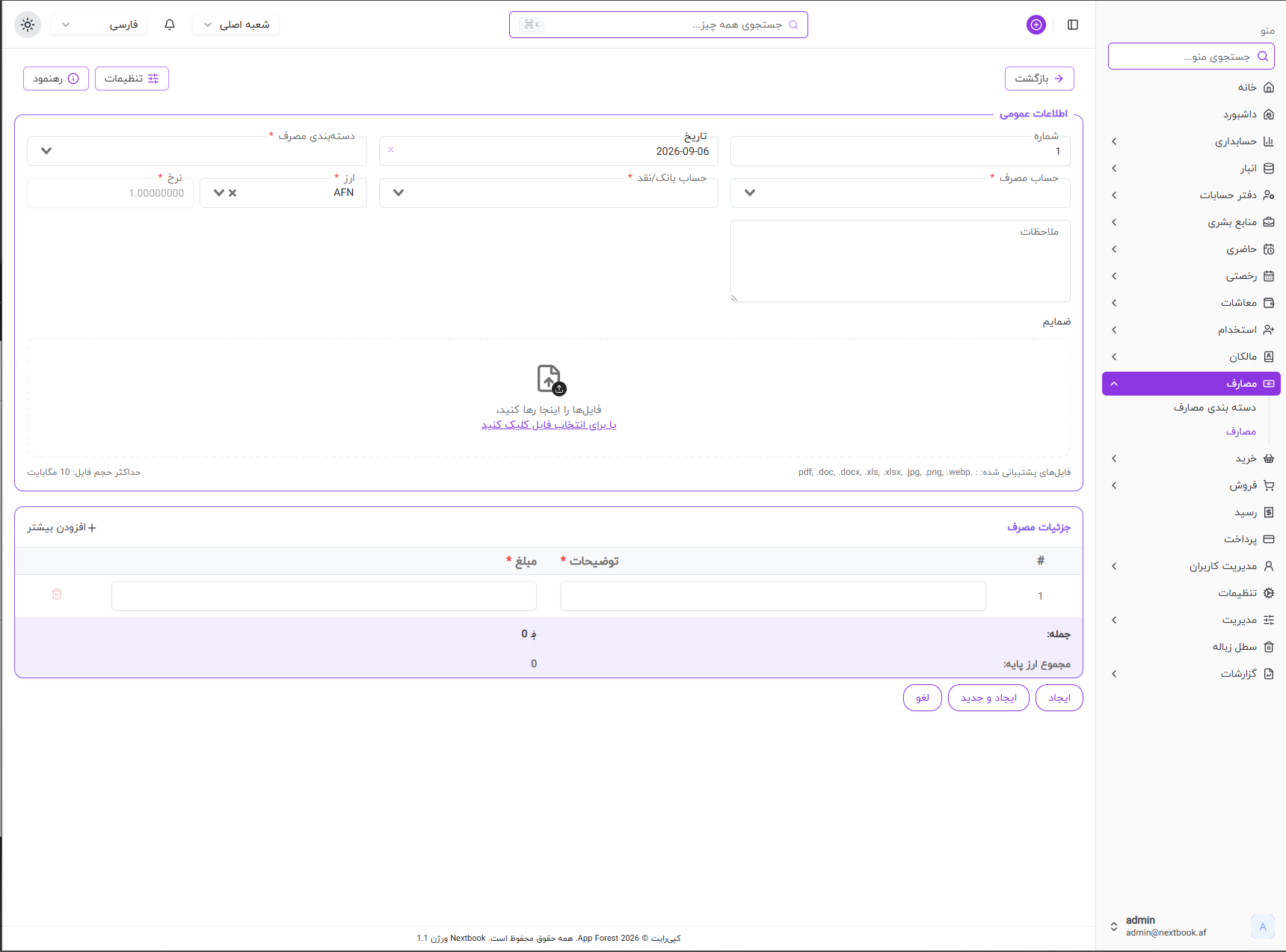 The expense form with the bill attachment field
Still need help?
Our support team is ready to help.
Contact
